How to Reduce Image Size Without Losing Quality (Free Online Method)
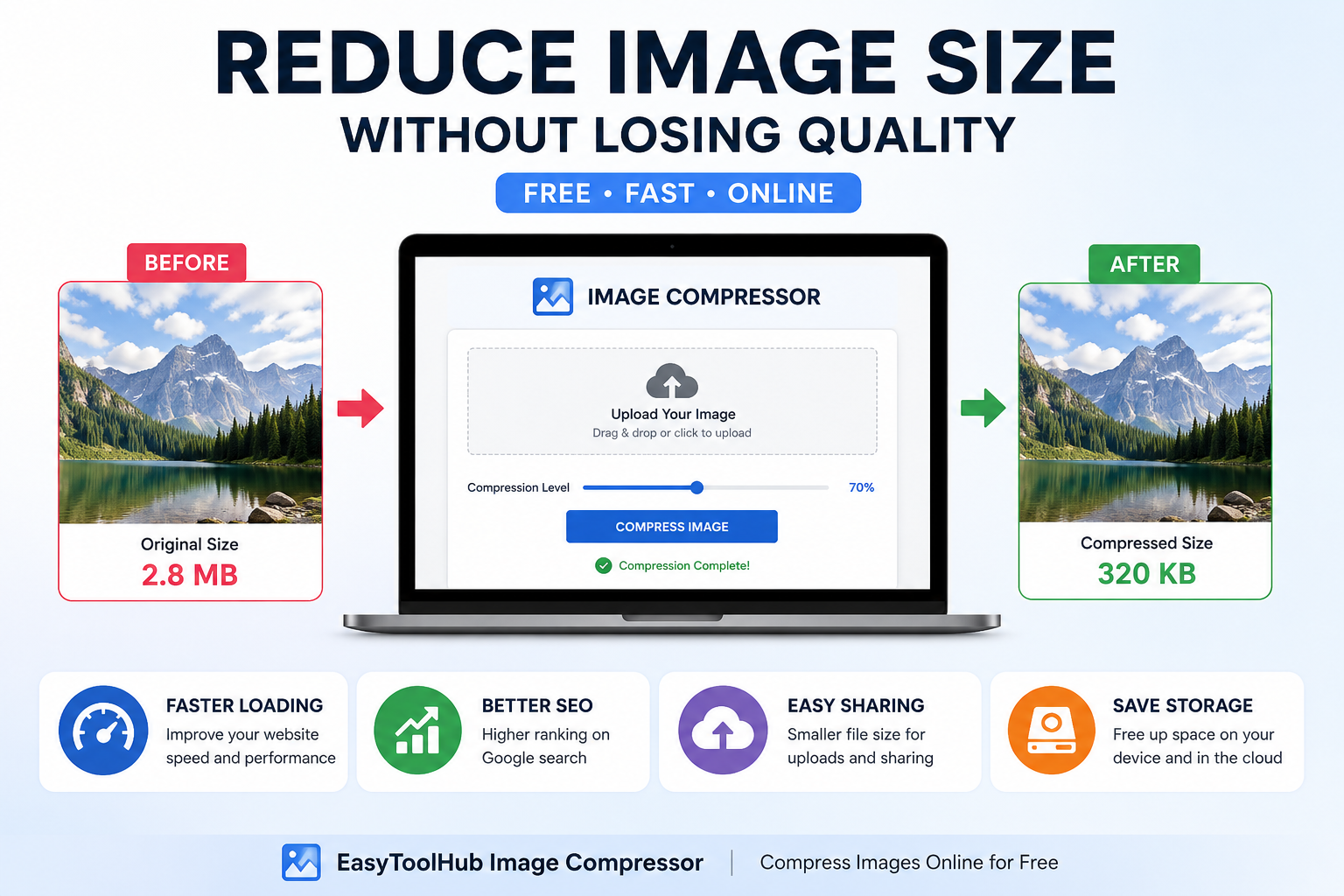
Large image files can slow down your website, take up storage, and make uploads difficult. Many users struggle with reducing image size without losing quality.
In this guide, you will learn a simple way to compress images online for free without installing any software.
Why Reduce Image Size?
- Faster website loading speed
- Better SEO ranking on Google
- Smaller file uploads for social media or email
- Save storage space on your device
Best Free Way to Compress Images Online
The easiest way is to use an online image compression tool. It allows you to reduce file size instantly while maintaining good visual quality.
You can try this free tool here:
👉 Image Compressor Tool – Reduce Image Size Online
How It Works
- Upload your image
- Adjust compression level (if available)
- Click compress
- Download optimized image
Tips for Best Quality
- Use JPG for photos
- Use PNG only for transparency
- Avoid over-compressing images
Conclusion
Reducing image size is important for performance, SEO, and user experience. Using an online tool like EasyToolHub Image Compressor makes the process fast and easy without losing quality.
👉 Try it now: Compress Images Online
How to Reduce Image Size Without Losing Quality (Free Online Method)
Large image files can slow down your website, take up storage, and make uploads difficult. Many users struggle with reducing image size without losing quality.
In this guide, you will learn a simple way to compress images online for free without installing any software.
Why Reduce Image Size?
Best Free Way to Compress Images Online
The easiest way is to use an online image compression tool. It allows you to reduce file size instantly while maintaining good visual quality.
You can try this free tool here:
👉 Image Compressor Tool – Reduce Image Size Online
How It Works
Tips for Best Quality
Conclusion
Reducing image size is important for performance, SEO, and user experience. Using an online tool like EasyToolHub Image Compressor makes the process fast and easy without losing quality.
👉 Try it now: Compress Images Online
AUTHOR
EasyToolHub