JPG vs PNG vs WebP — Which Format Should You Use?
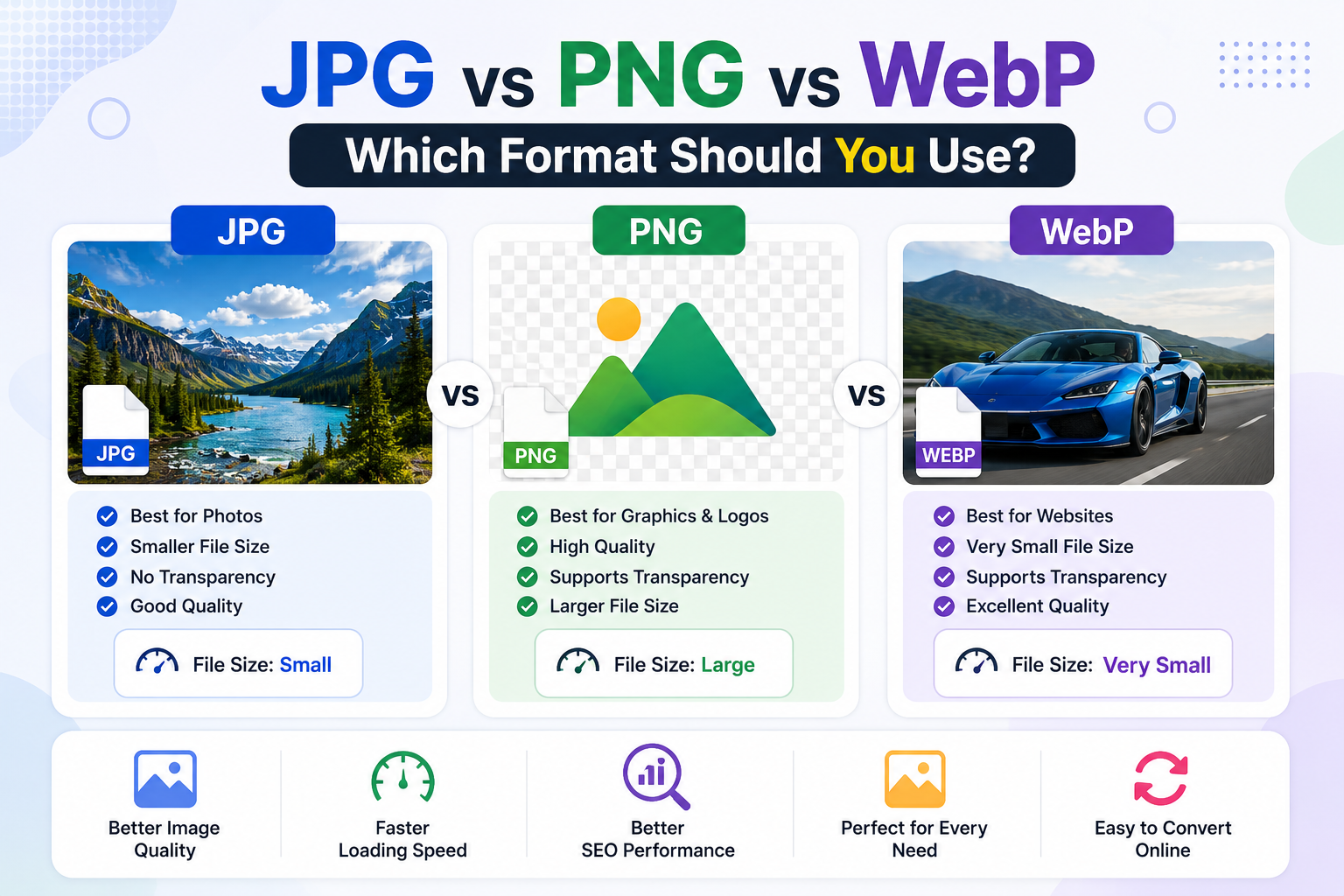
When working with images online, choosing the right file format is very important.
The format you use affects image quality, file size, loading speed, and SEO performance.
If you are confused between JPG, PNG, and WebP, this guide will help you understand the differences and choose the best format for your needs.
In this article, you will learn when to use each format and how it impacts website performance and image quality.
What Are JPG, PNG, and WebP?
Each image format is designed for different purposes. Understanding them helps you optimize images for web, social media, and storage.
- JPG (JPEG) – Compressed image format ideal for photos
- PNG – High-quality image format with transparency support
- WebP – Modern format with smaller file size and good quality
JPG vs PNG vs WebP Comparison
Here is a quick comparison of the three most commonly used image formats:
| Format |
Best For |
File Size |
Quality |
Transparency |
| JPG |
Photos, social media images |
Small |
Good |
No |
| PNG |
Logos, graphics, screenshots |
Large |
Excellent |
Yes |
| WebP |
Websites, SEO optimization |
Very Small |
Very Good |
Yes |
When Should You Use JPG?
JPG is the most widely used image format for photos and everyday images.
It uses compression to reduce file size, making it ideal for faster uploads and downloads.
- Best for photographs
- Good for social media sharing
- Smaller file size compared to PNG
- Not suitable for transparent images
When Should You Use PNG?
PNG is best used when image quality and transparency are important.
It does not lose quality during compression.
- Best for logos and icons
- Supports transparent backgrounds
- High-quality screenshots
- Larger file size than JPG
If you need to optimize PNG images, you can use this tool:
👉 Image Compressor – Reduce PNG File Size Without Losing Quality
When Should You Use WebP?
WebP is a modern image format developed by Google.
It provides better compression than JPG and PNG while maintaining good image quality.
- Best for websites and SEO
- Smaller file size than JPG and PNG
- Supports transparency and animation
- Improves website loading speed
You can convert images to WebP here:
👉 Image Converter – Convert JPG, PNG, and WebP Online
File Size Comparison
Below is a general comparison of how file sizes differ between formats for the same image:
- JPG → Small file size (balanced quality)
- PNG → Large file size (high quality)
- WebP → Smallest file size (best optimization)
Which Image Format Is Best for SEO?
For website performance and SEO, WebP is the best option.
Google prefers faster-loading pages, and WebP helps reduce image size without sacrificing too much quality.
However, JPG and PNG are still widely used depending on compatibility and design needs.
Best Practices for Choosing Image Formats
- Use JPG for photos and real-world images
- Use PNG for logos and transparent graphics
- Use WebP for websites and SEO optimization
- Compress images before uploading to reduce file size
- Always test loading speed after optimization
Can You Convert Between JPG, PNG, and WebP?
Yes. You can easily convert between all three formats using online tools without installing software.
👉 Try it here:
Conclusion
Choosing between JPG, PNG, and WebP depends on your use case.
JPG is best for photos, PNG is ideal for high-quality graphics, and WebP is the best option for modern websites and SEO performance.
Using the correct image format helps improve website speed, user experience, and search engine ranking.
👉 Try these free tools:
JPG vs PNG vs WebP — Which Format Should You Use?
When working with images online, choosing the right file format is very important. The format you use affects image quality, file size, loading speed, and SEO performance.
If you are confused between JPG, PNG, and WebP, this guide will help you understand the differences and choose the best format for your needs.
In this article, you will learn when to use each format and how it impacts website performance and image quality.
What Are JPG, PNG, and WebP?
Each image format is designed for different purposes. Understanding them helps you optimize images for web, social media, and storage.
JPG vs PNG vs WebP Comparison
Here is a quick comparison of the three most commonly used image formats:
When Should You Use JPG?
JPG is the most widely used image format for photos and everyday images. It uses compression to reduce file size, making it ideal for faster uploads and downloads.
When Should You Use PNG?
PNG is best used when image quality and transparency are important. It does not lose quality during compression.
If you need to optimize PNG images, you can use this tool:
👉 Image Compressor – Reduce PNG File Size Without Losing Quality
When Should You Use WebP?
WebP is a modern image format developed by Google. It provides better compression than JPG and PNG while maintaining good image quality.
You can convert images to WebP here:
👉 Image Converter – Convert JPG, PNG, and WebP Online
File Size Comparison
Below is a general comparison of how file sizes differ between formats for the same image:
Which Image Format Is Best for SEO?
For website performance and SEO, WebP is the best option. Google prefers faster-loading pages, and WebP helps reduce image size without sacrificing too much quality.
However, JPG and PNG are still widely used depending on compatibility and design needs.
Best Practices for Choosing Image Formats
Can You Convert Between JPG, PNG, and WebP?
Yes. You can easily convert between all three formats using online tools without installing software.
👉 Try it here:
Conclusion
Choosing between JPG, PNG, and WebP depends on your use case. JPG is best for photos, PNG is ideal for high-quality graphics, and WebP is the best option for modern websites and SEO performance.
Using the correct image format helps improve website speed, user experience, and search engine ranking.
👉 Try these free tools:
AUTHOR
EasyToolHub